
Sign Up for Hopper
First, be sure to sign up for the Hopper web application at https://app.hopper.security as a Hopper user.
User Registration
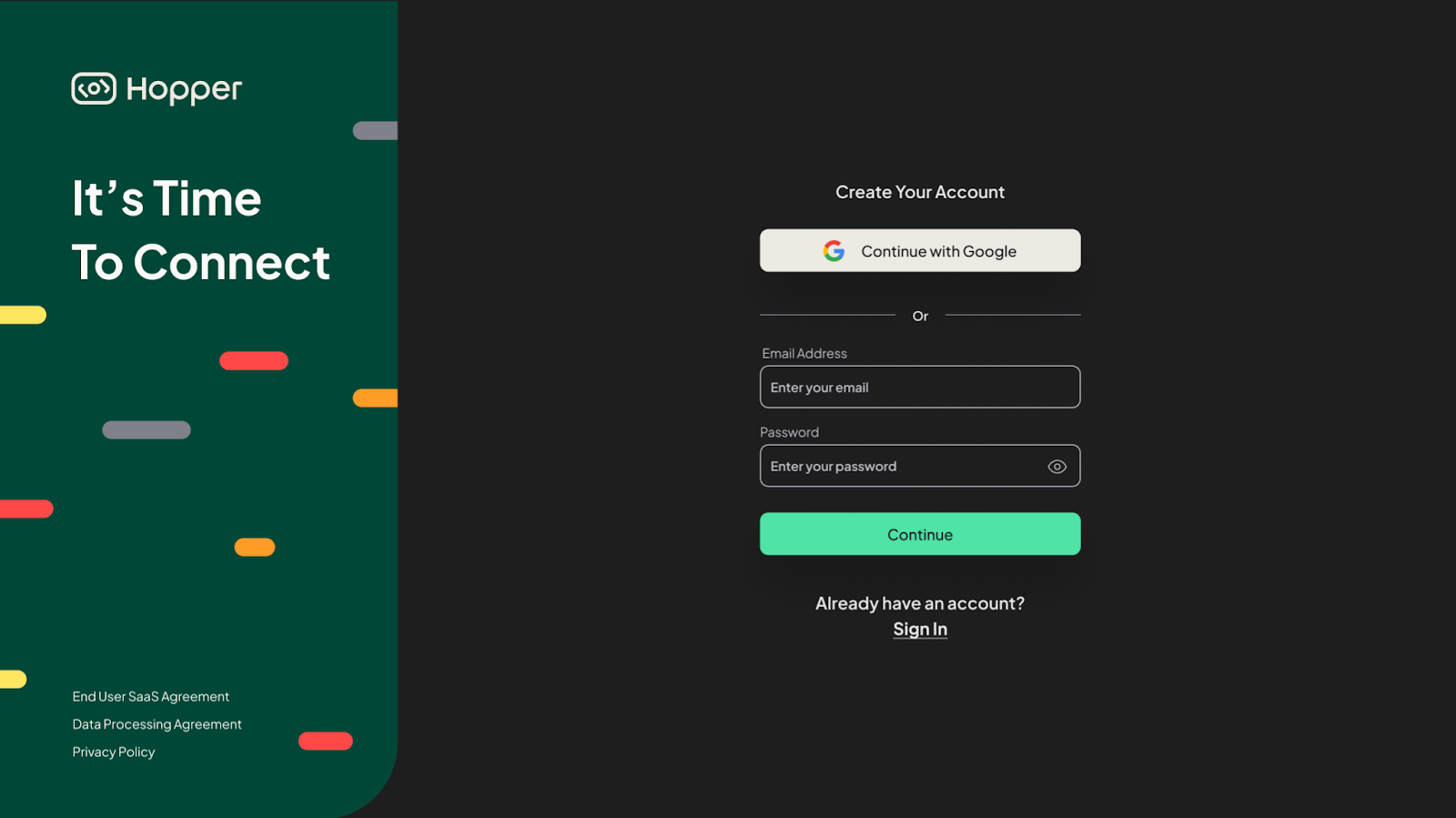
Users can be registered in one of two ways: (1) either by connecting via an existing Gmail work account (SSO), or (2) by providing Hopper with a different desired work email address for registration and then creating a password.
If your company already has a Hopper account and uses SSO, please use the SSO link provided by your administrators.
Organization Registration
Once your user account is created, you must be associated with an organization. If your organization already has a Hopper account, please proceed to the "Join an Organization" section below.
Create a New Organization
Organizations can be registered in one of two ways: (1) either by connecting via an existing Gmail work account (SSO), or (2) by providing Hopper with a different desired work email address for registration and then creating a password.
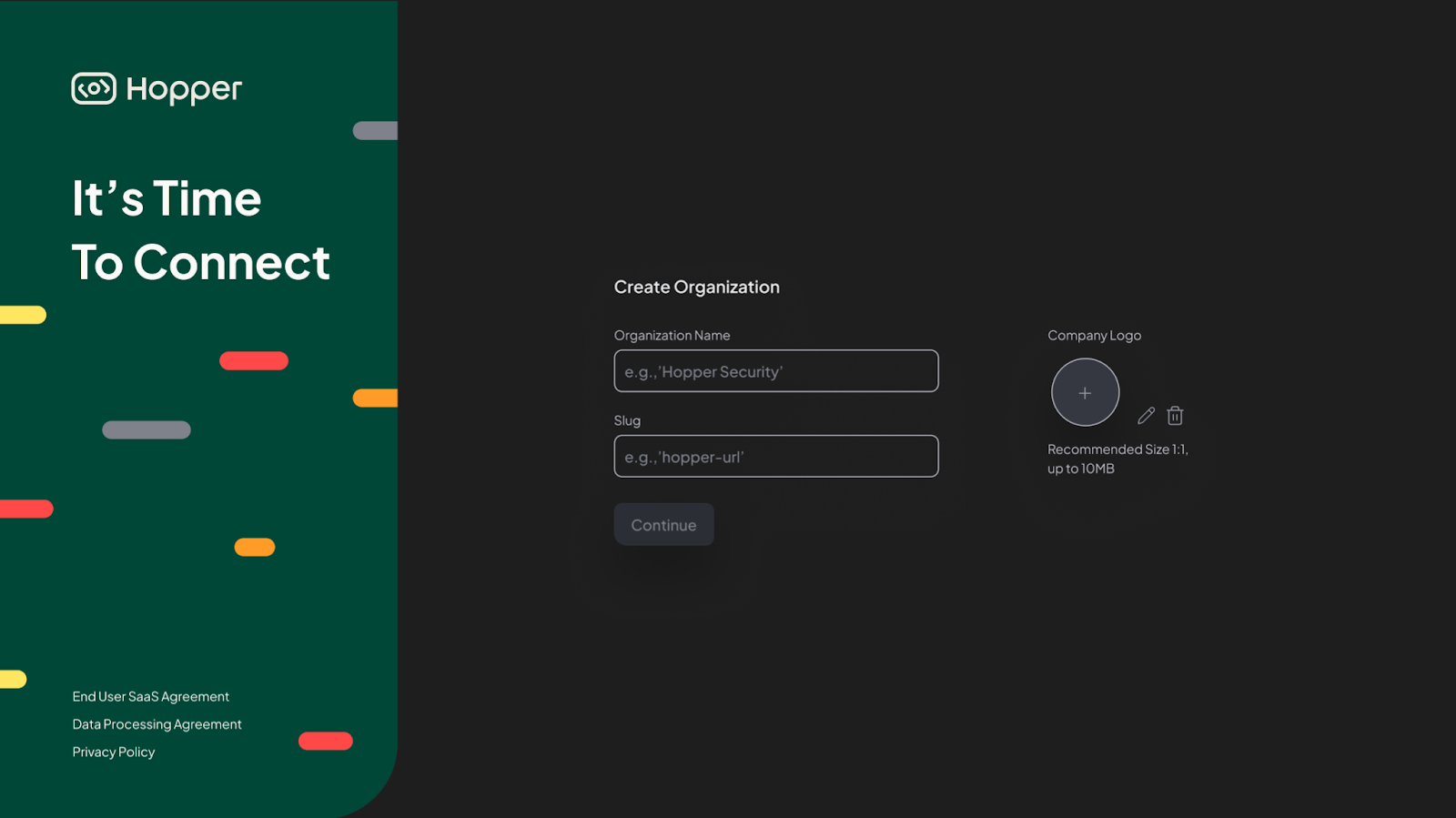
If your organization is not registered and does not have an account, you will need to create one to access our services.
To sign up your organization, please add the organization’s name and Slug, and click continue
Join an Organization
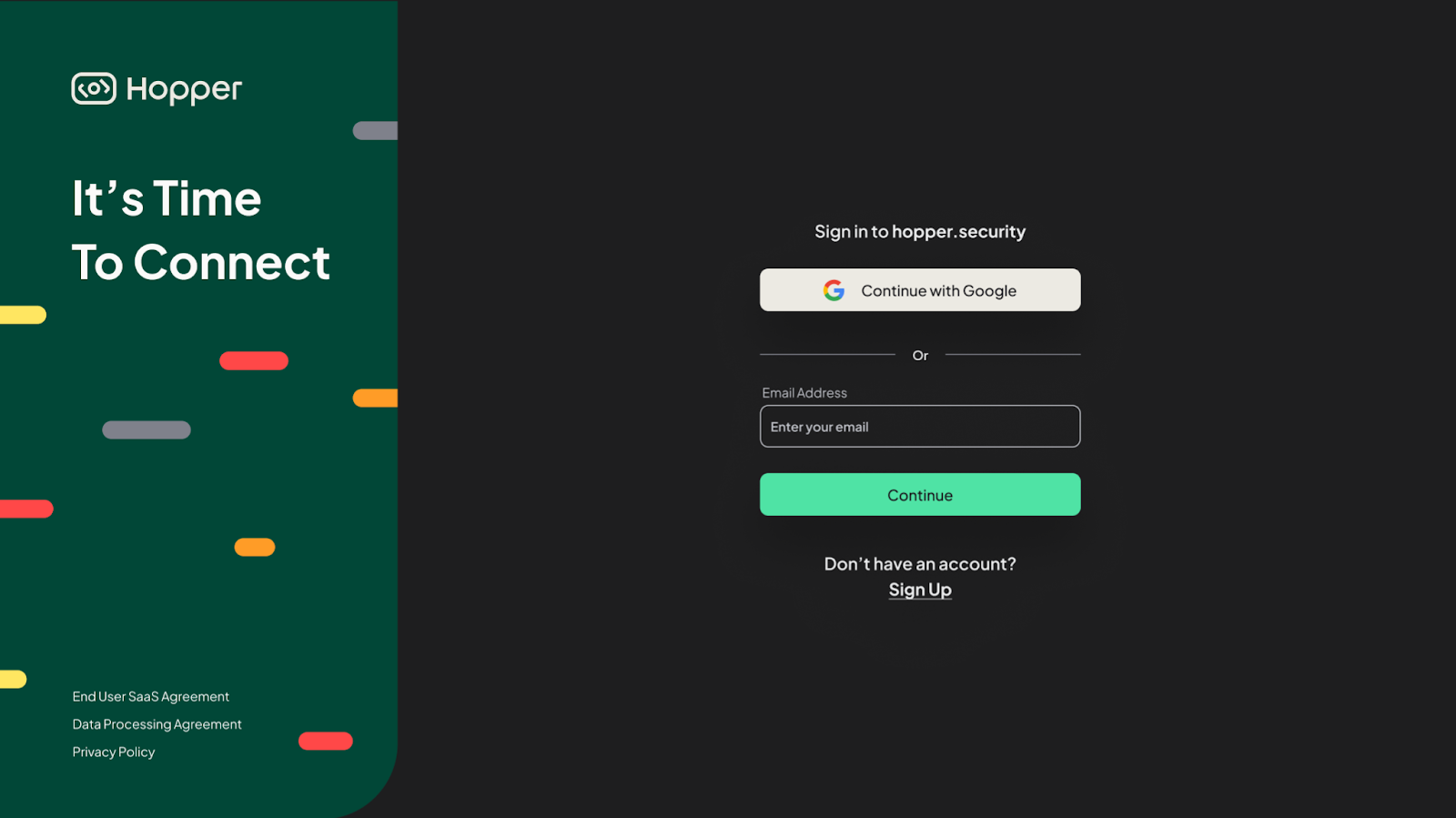
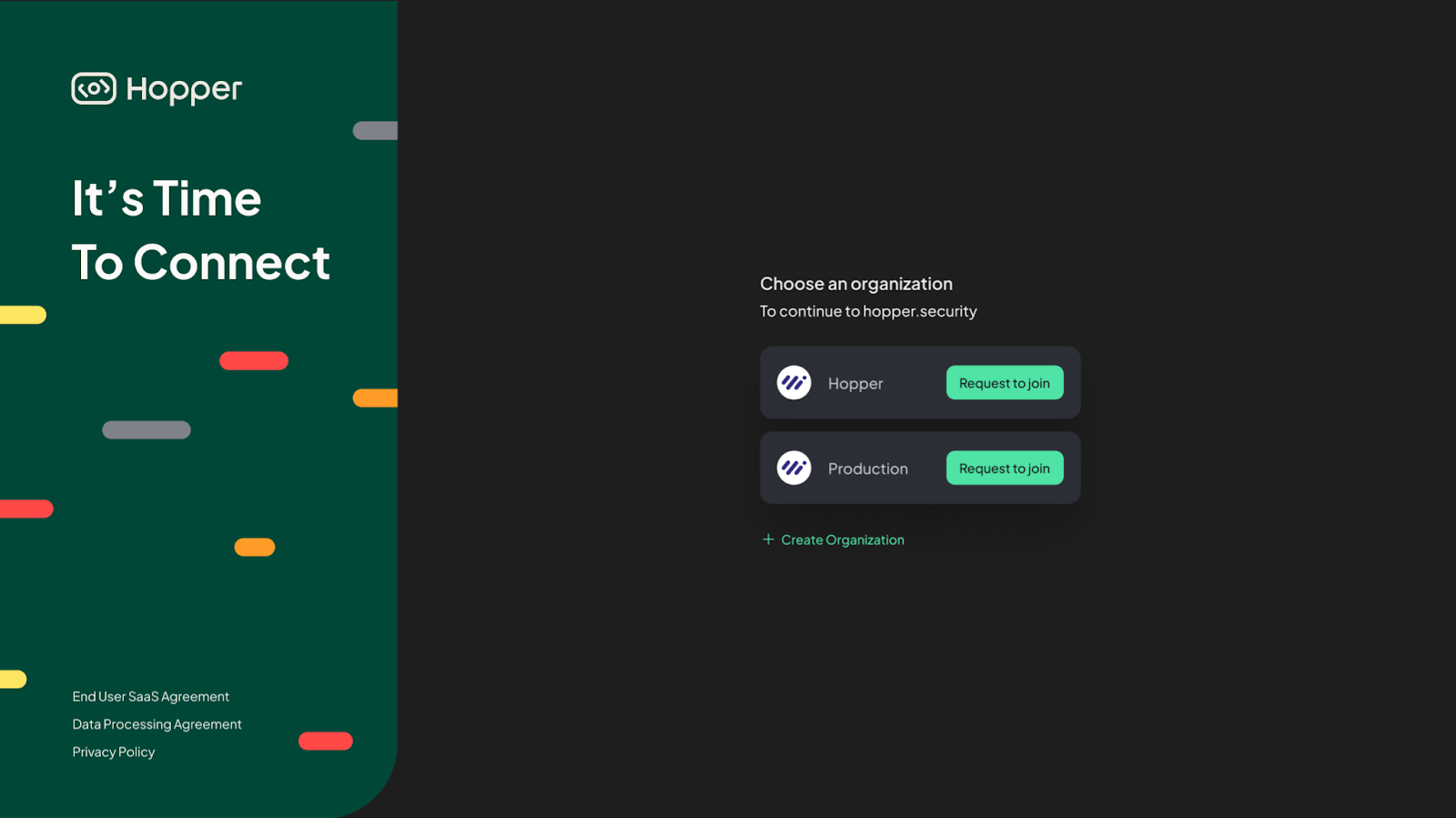
Upon your initial login after receiving a company invitation to use Hopper, you will be presented with a list of organizations. To request access, simply select your organization's name after signing up and defining your email address and password.
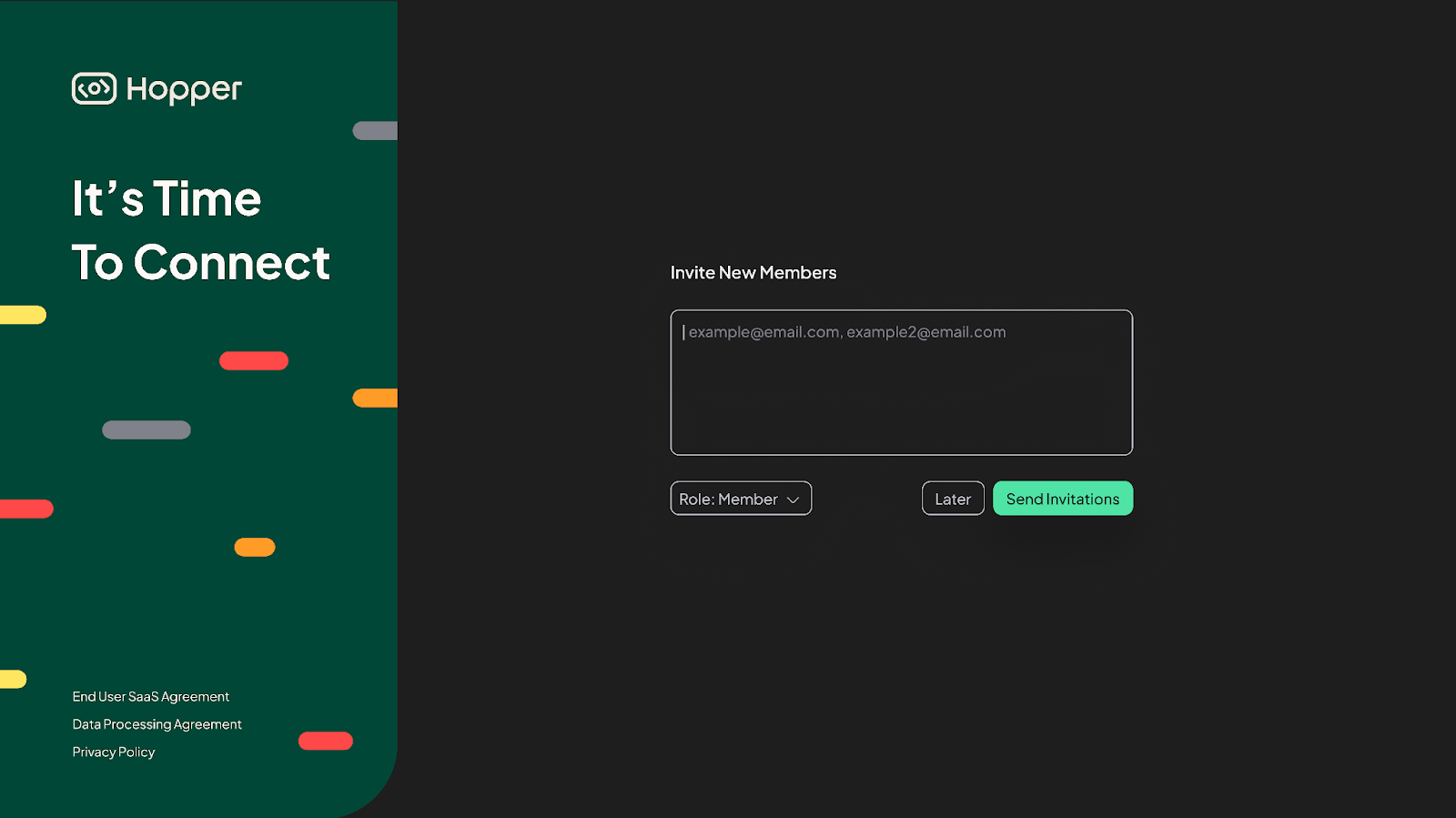
Optional - You can invite additional members to the organization at a later time. Remember to assign appropriate roles and permissions.
This step can be completed later by clicking Skip.
All set? Proceed to: