
Setup and Onboarding
This guide provides a high-level overview of how to set up Hopper, grant read-only access, connect your repositories, configure container scanning, and run your first scans. Each section links to more detailed guides.
Sign Up for Hopper
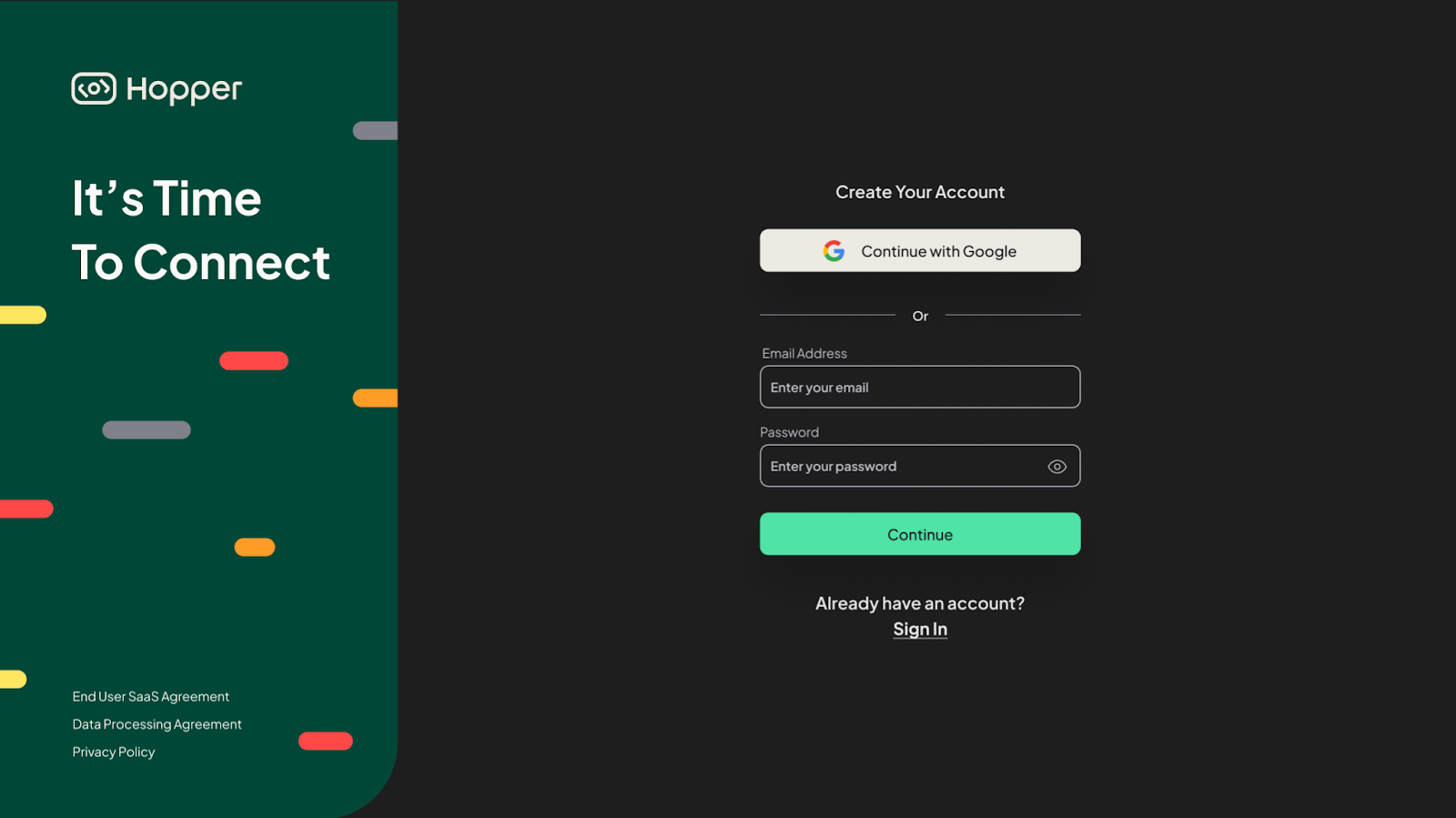
Create your Hopper account and access the dashboard for the first time. You will receive onboarding prompts to help you connect your source code platforms and registries.
Set Up Container Scanning
Hopper supports multiple registry types. Follow the instructions that match your environment.
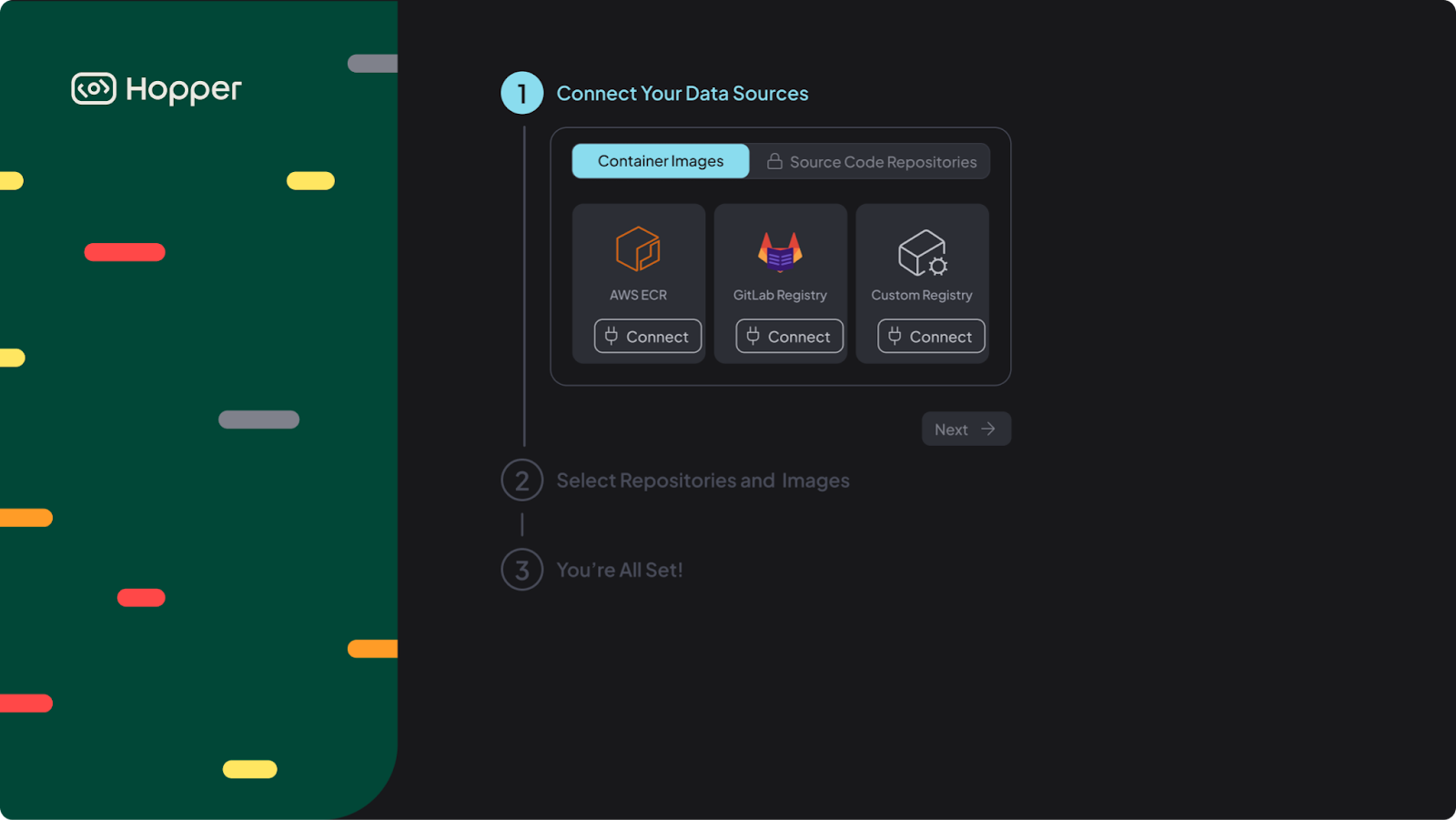
AWS ECR Integration Settings
Learn how to configure AWS permissions, connect your Amazon Elastic Container Registry (ECR), and enable automated image discovery.
GitLab Registry Integration Settings
Configure access for GitLab Container Registry and allow Hopper to detect and scan stored images.
Custom Registry and Integration with Docker Hub
Connect Docker Hub or another custom registry using token-based authentication.
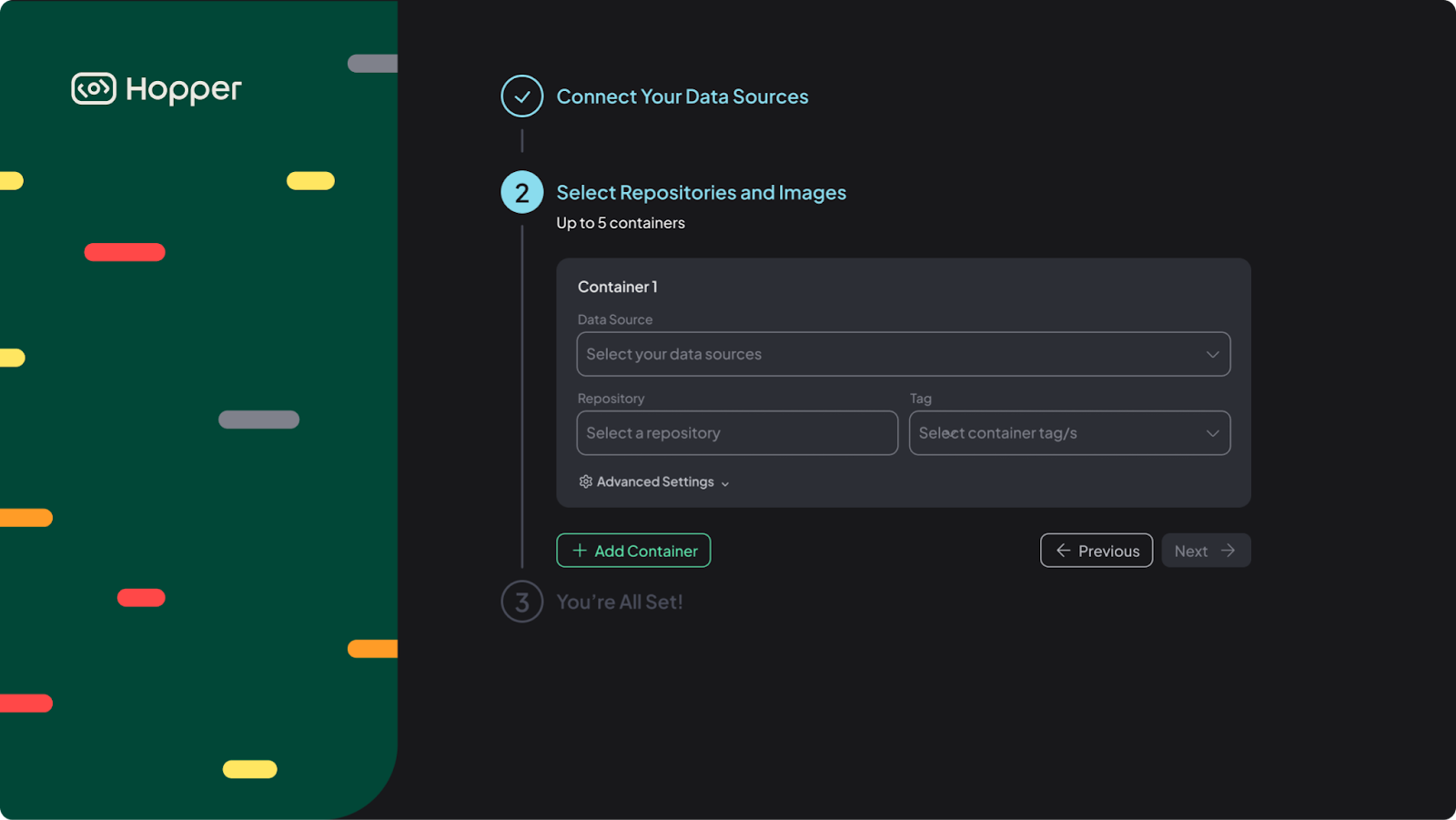
Select Repositories and Images
Choose which code repositories and container images to scan.
Scan Your Containers
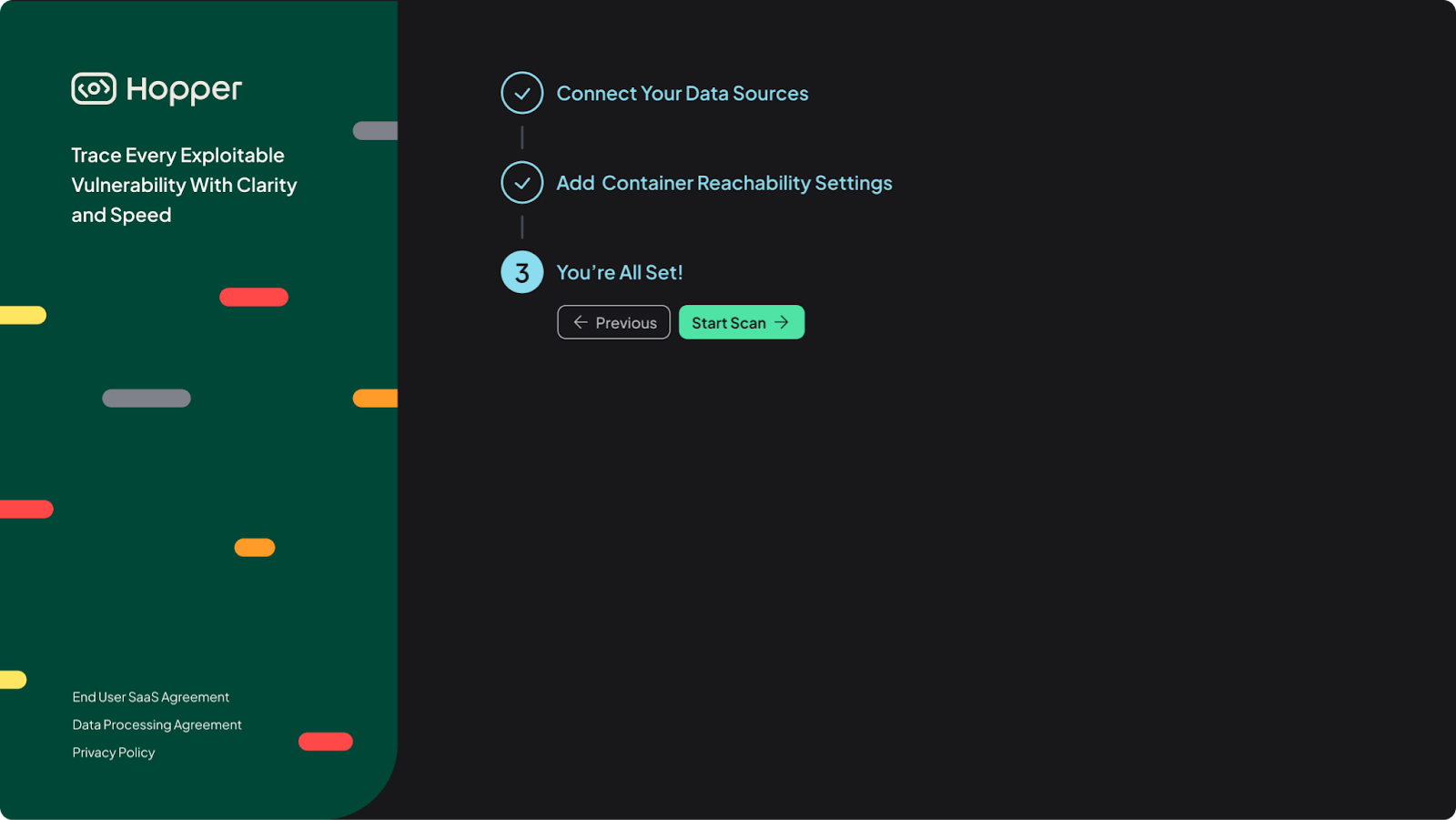
Run your first container scans and review the initial results, including vulnerabilities, licenses, and reachability insights. Once you have completed steps 1-3, simply click Start Scan and you are all set!
Use this overview as your starting point. Refer to the detailed setup guides for configuration steps, screenshots, and troubleshooting.