
Step 2: Set Up Container Scanning
Welcome to Hopper! You are now officially starting your trial with us by clicking the green button.
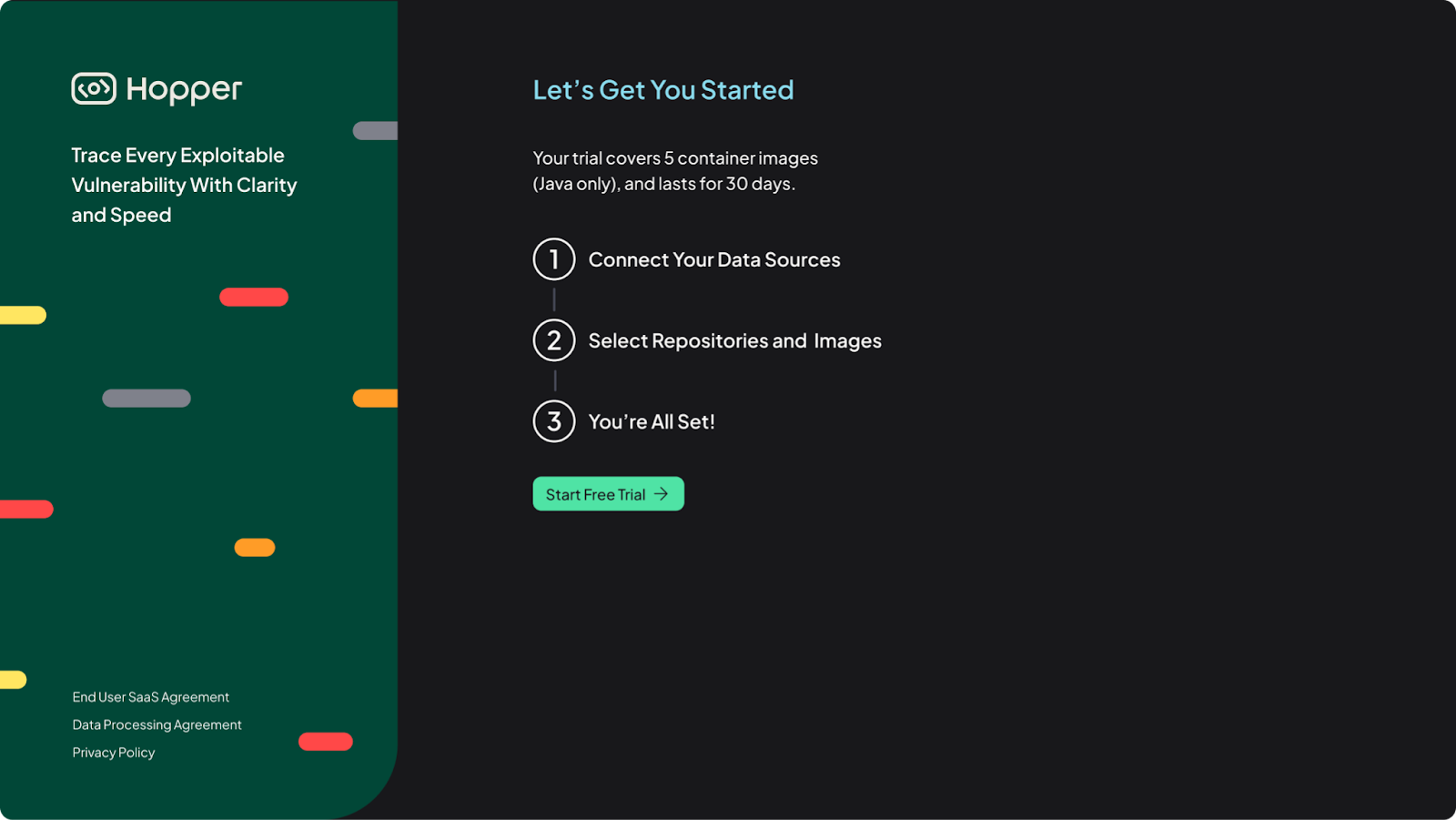
Our Trial program enables you to scan a total of up to 5 containers. You can connect and scan containers from three different platforms: ECR, GitLab, and Custom Registry (e.g., Docker Hub). To begin, simply click Connect on the container registry you want to integrate.
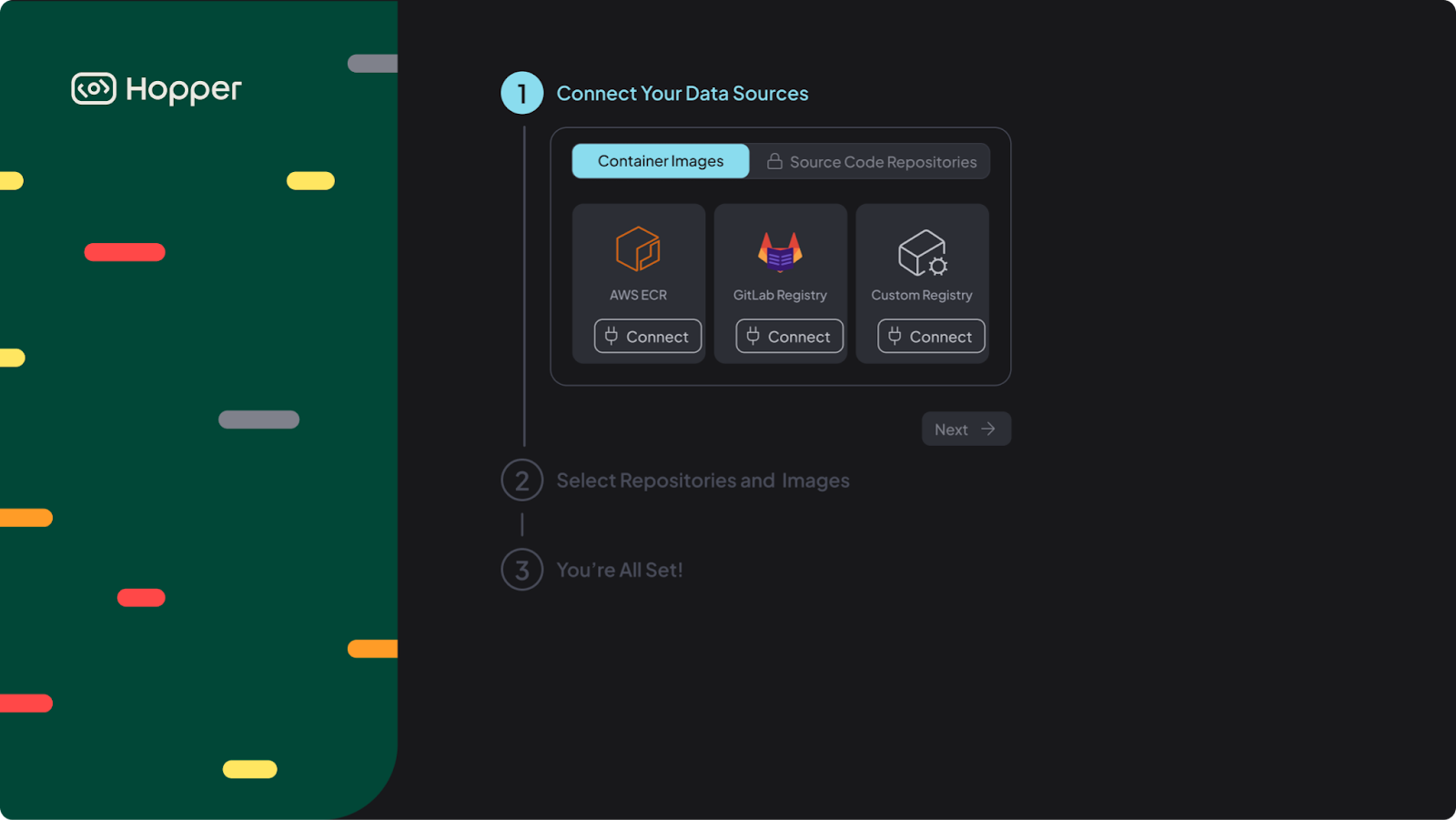
Hopper supports multiple registry types. Follow the instructions that match your environment.
AWS ECR Integration Settings
Learn how to configure AWS permissions, connect your Amazon Elastic Container Registry (ECR), and enable automated image discovery.
GitLab Registry Integration Settings
Configure access for GitLab Container Registry and allow Hopper to detect and scan stored images.
Custom Registry and Integration with Docker Hub
Connect Docker Hub or another custom registry using token-based authentication.